Team store · Made to order

Your team's own store. Every sale raises money for the team.

Any team on BenchApp can open a store in a few minutes. Put your logo on shirts, hoodies, hats and more, share one link with players, family and fans, and add a markup to each item so every order helps pay for the season.

Free to set up · No inventory · No packing

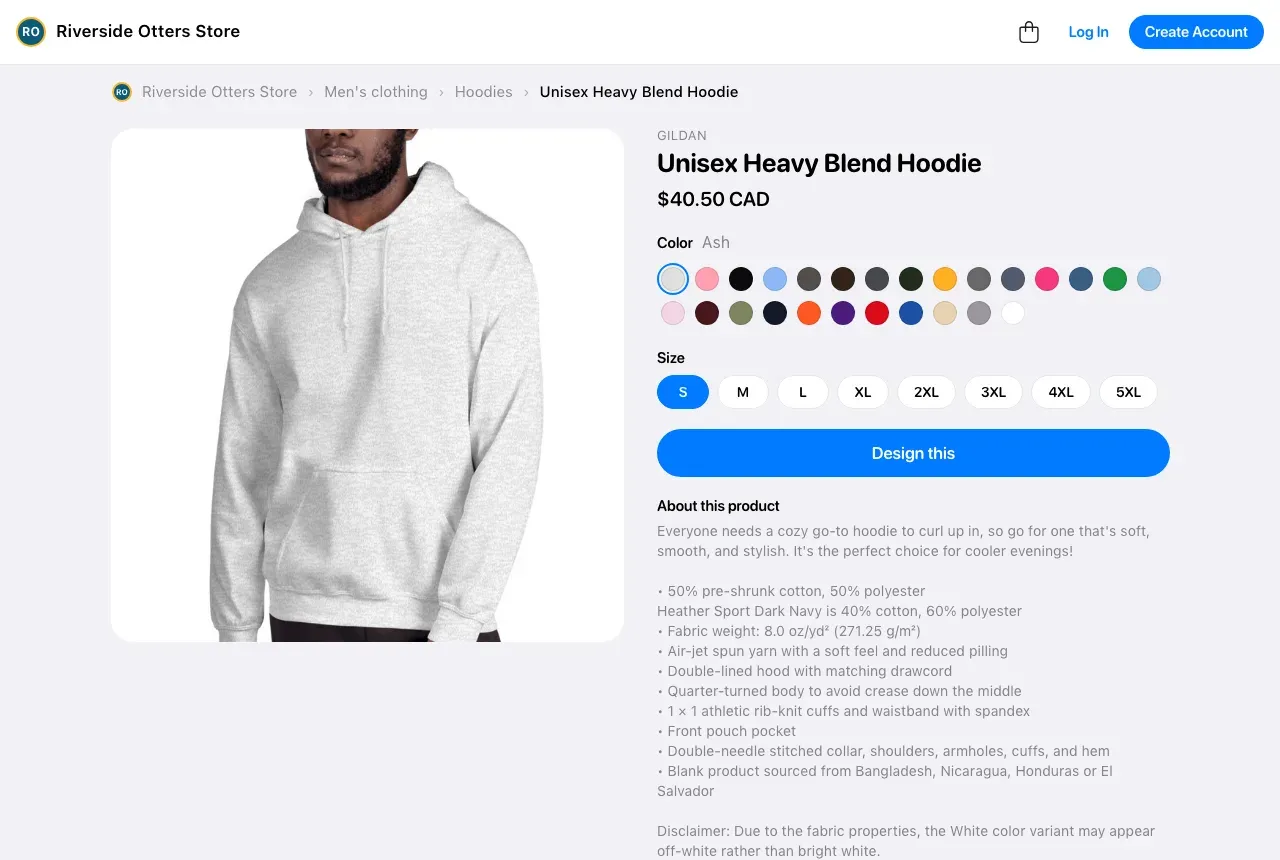
BenchApp on a computer: a hoodie in the store with its colours, sizes and a Design this button

How it works

From an idea to money in the team's account.

Step 1

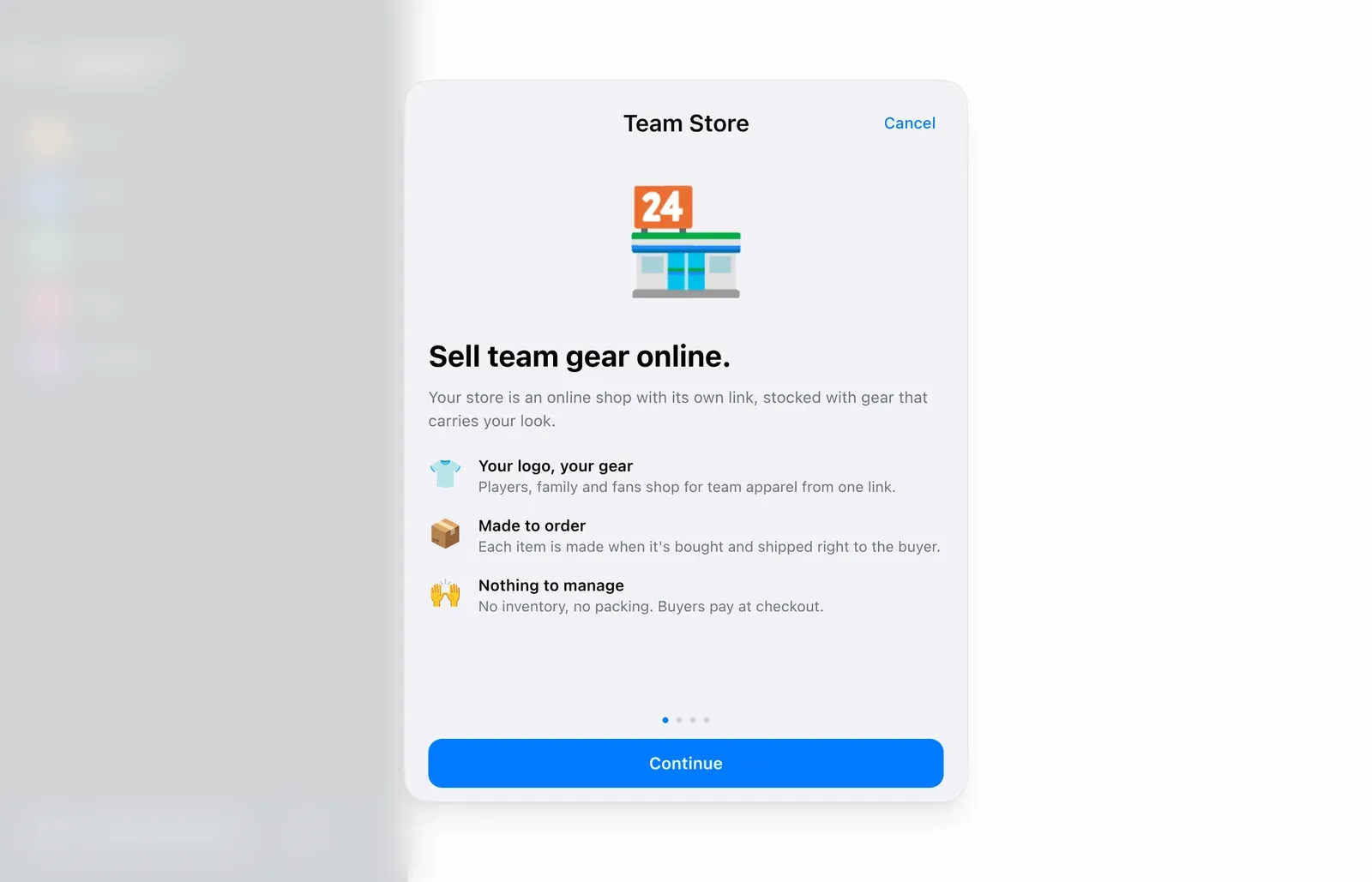
Set up your store in a few minutes

A manager or assistant opens Team Store, gives the store a name and its own link, and adds the team logo and a banner. Your store stays a draft that only managers can see until you publish it.

  • Your team's name and logo up front
  • A link of its own to share
  • Publish when you're ready
BenchApp on a computer: the Team Store setup screen, Sell team gear online, made to order with nothing to manage

Step 2

Put your logo on real gear

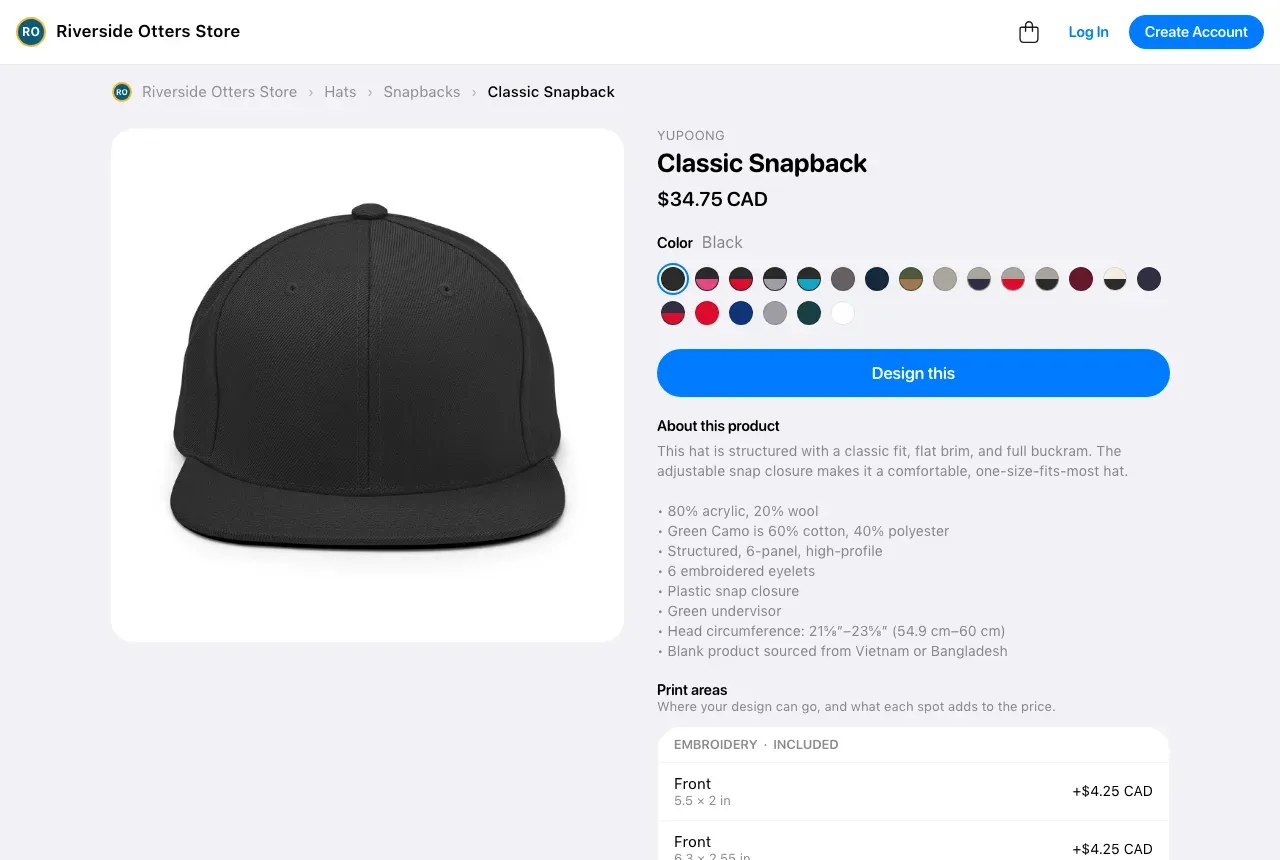
Pick from tees, hoodies, crewnecks, hats, beanies, mugs, stickers, totes and more, in dozens of colours and sizes. Place your logo on the front, the back or the sleeves, with embroidery on hats, and see what each spot adds to the price.

  • Adult and youth sizes
  • Print or embroidery
  • See the item before you add it
BenchApp on a computer: a snapback in the store with its colours and embroidery print areas, each with what it adds to the price

Step 3

Add a markup and turn it into a fundraiser

Choose what your team earns on each item. BenchApp shows the product and printing price, what buyers pay, and what you earn per item. Connect your team to Stripe and your markup is paid out to your team's bank account.

  • Set the markup item by item
  • Or type the price you want buyers to pay
  • Set it to $0 to sell at cost

Step 4

Share one link. We handle the rest.

When your store goes live, post it in team Chatter, send a broadcast, or share its link anywhere. Players, family and fans pay at checkout. Each item is made when it's ordered and shipped straight to the buyer, so there's nothing to stock, pack or deliver.

  • Ships to Canada and the US
  • Buyers get their own order updates
  • No boxes in your garage

Sales

Watch your fundraiser add up.

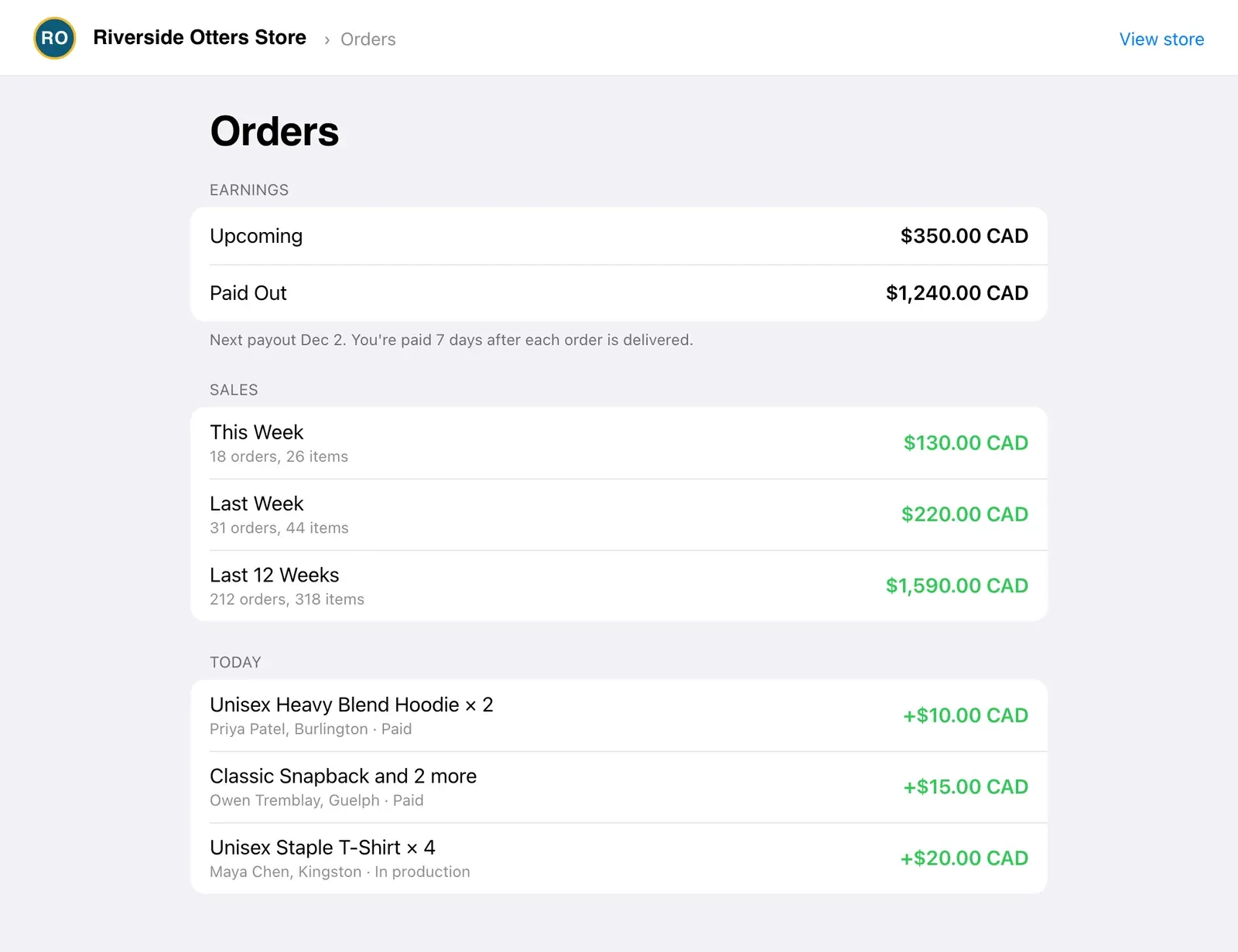
Your store's Sales page lists every order, the items sold this week, last week and over the last 12 weeks, and what the team has earned. Each order shows when its earnings pay out.

Example of a team store's Orders page: $1,590 earned over 12 weeks from 318 items, $350 upcoming and $1,240 paid out

Pricing

Free to open. You pick what the team earns.

Opening a store costs your team nothing, and there's nothing to buy up front. Each item has a product and printing price, and buyers pay that plus your markup. The markup starts at $5 per item and you can set it anywhere from $0 to $1,000.

Your markup is paid to the Stripe account your team connected for team fees, 7 days after the order is delivered. If an order is refunded, its markup is taken back.

What a $5 markup raises

25 items sold
$125
50 items sold
$250
100 items sold
$500

Markups are in your store's currency. Buyers also pay shipping and any sales tax at checkout.

FAQ

Questions, answered.

How much does a team store cost?

Nothing to open. There's no setup fee, no monthly fee and no inventory to buy. Buyers pay the product and printing price plus any markup you add, and shipping at checkout.

How does the fundraiser work?

Add a markup to each item: what your team earns on every one sold. It starts at $5 and you can change it item by item. Once your team has connected Stripe, the markup from each order is paid to your team's bank account.

When does the team get paid?

Seven days after an order is delivered, its markup is paid out to the Stripe account your team connected. Your store's Sales page shows when each order pays out.

Do I need Stripe?

Only to earn a markup. You can open a store and sell at cost without it. To raise money, connect your team to Stripe in Fees & Finances, the same account you use to collect team fees.

Do I have to stock, pack or ship anything?

No. Each item is made when someone orders it and shipped straight to them. You never touch inventory or handle a box.

Who can set up the store?

The team's managers and assistants. Each team has one store, and every manager on the team can edit it. Leagues can open a league store too.

Where do you ship?

Anywhere in Canada and the United States. Buyers see the shipping options and cost for their address before they pay.

Who can buy from our store?

Anyone with the link: players, parents, family, friends and fans. Once it's published, your store also shows up in the team's menu in BenchApp.

See everything BenchApp can do

Gear for the team. Money for the season.

Create your team, open your store, and share the link in minutes.

Create your FREE team